
 WhatsApp
Cannot sign in
Check spelling, capitalization, subscription status and device time. Never post credentials publicly.
Support centre
Most issues can be narrowed down by checking account, app, device and network in that order.
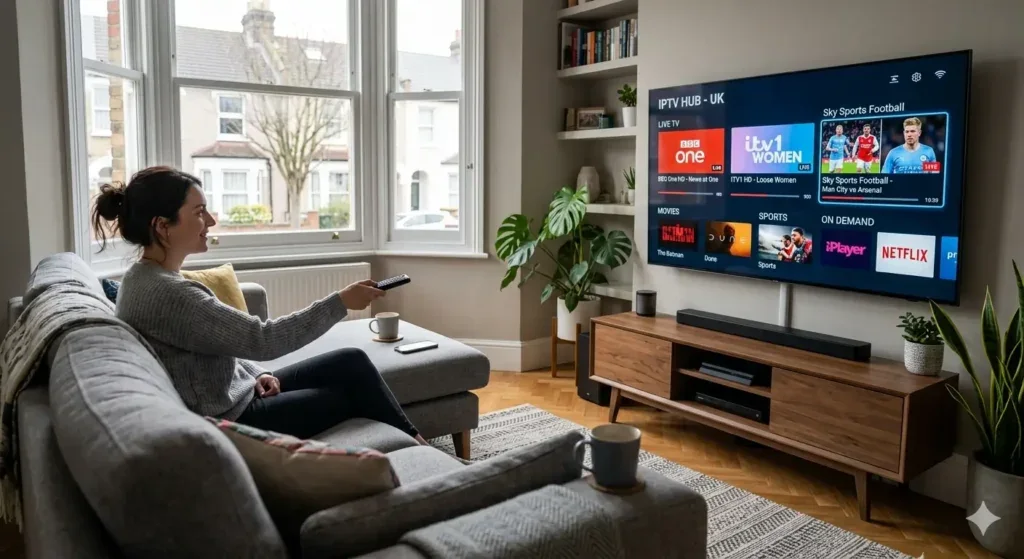
SUPPORT FOR YOUR SCREEN
Illustrative screen. Tell support your device, player version and exact error wording; never share a password.
Check spelling, capitalization, subscription status and device time. Never post credentials publicly.
Restart router and device, close downloads, try wired networking and compare another permitted stream.
Try another track, verify output settings and update the player. Source availability varies.
Support will never ask for your full card number or remote device access.
Tell us what device and player you are using, what you expected to happen and what happened instead. Exact error wording is more useful than a general description such as “not working”. If the issue began after an update, include that detail in your first message.
Confirm that you chose the login method supplied for your subscription. Check the server address, username and password for extra spaces. Do not publish your credentials in screenshots. If the login is rejected, ask support to confirm your access status before reinstalling the app.
Check whether other internet services work on the same device and whether the issue affects more than one permitted stream. Mention if the picture freezes, the sound stops or the player closes. These details help support suggest a useful next step without asking you to change everything at once.