
 WhatsApp
TV platforms
Modern Smart TVs and streaming devices may support playlist players. Installation differs among Samsung, LG, Android TV and Fire TV.
Compatibility
A subscription should fit the devices you use. Check the app listing, storage and network before ordering.
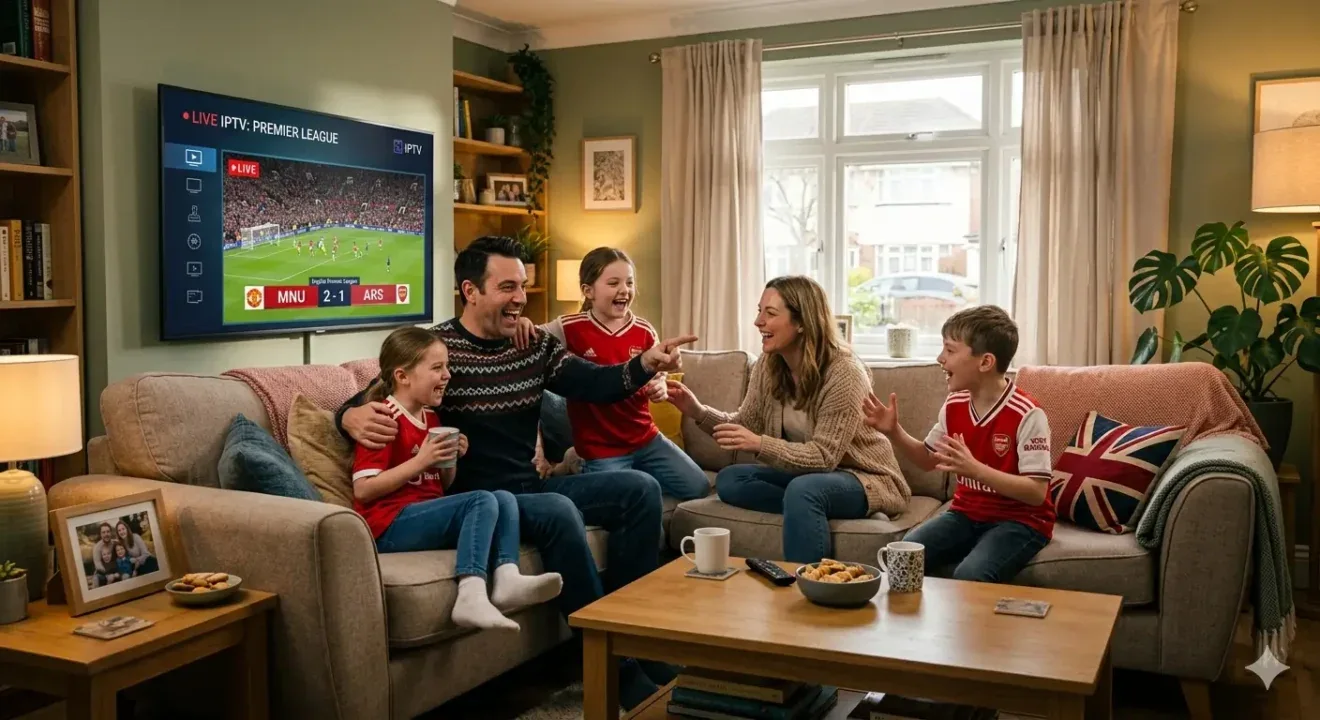
DESIGNED AROUND REAL ROOMS
Illustrative living-room scene. Screen artwork does not confirm channel, event or catalogue availability.
Modern Smart TVs and streaming devices may support playlist players. Installation differs among Samsung, LG, Android TV and Fire TV.
Compatible players may be available for Android, iOS, Windows and macOS. Use official stores or the publisher’s verified channel.
One account does not automatically allow several streams. The purchased plan limit always applies.
Smart TVs use different app platforms, so a television brand alone is not enough to confirm support. Find the model number and software version in your television settings. Share both with the team and check your region’s official app store before selecting a player or subscription.
Confirm your operating-system version and available storage before installation. Similar app names can refer to different publishers or different versions. Use the authorised distribution route for your chosen player, and ask which login format your subscription requires before attempting to configure it.
A mobile or desktop setup should be checked separately from a television setup. Ask about supported player versions, sign-in methods and any publisher charges. If you plan to switch devices, confirm how that affects the plan’s single simultaneous connection before starting another stream.